Your speaking coach,
in the AI you already use
Connect Joe Speaking to your assistant and ask about the latest IELTS questions, your progress and your feedback.

- ChatGPTAvailable
- ClaudeAvailable
- MuseIn review
- KimiIn review


Watch a real conversation.
Joe asks ChatGPT about his own IELTS Speaking practice, and ChatGPT answers from his saved sessions through Joe Speaking.

Ask about your own practice.
Unedited answers from real practice, read through Joe Speaking. Pick an assistant, then a question.
Answers from
Pick a question
Unedited screenshots from Joe’s own practice account. With your account, ChatGPT answers from your own practice.
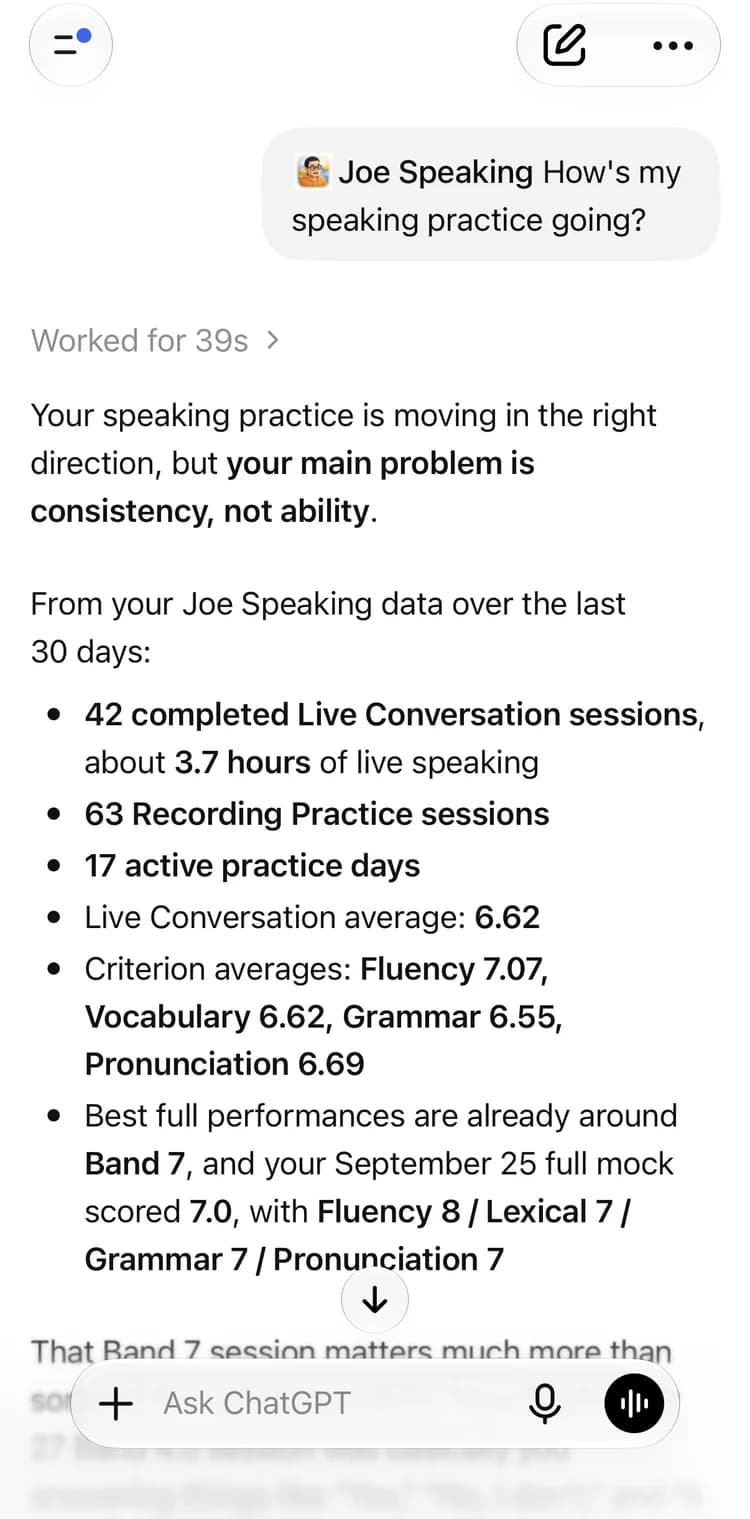

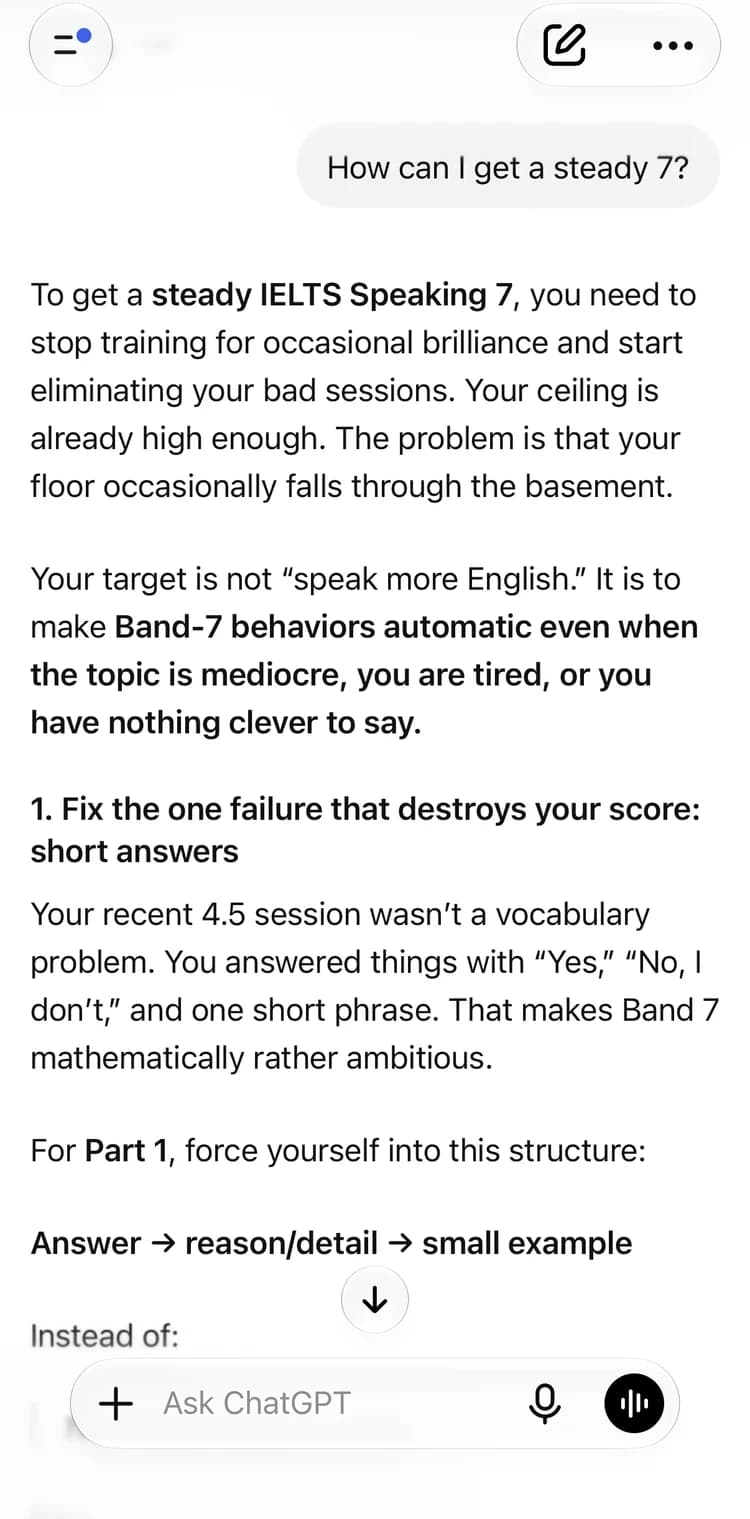
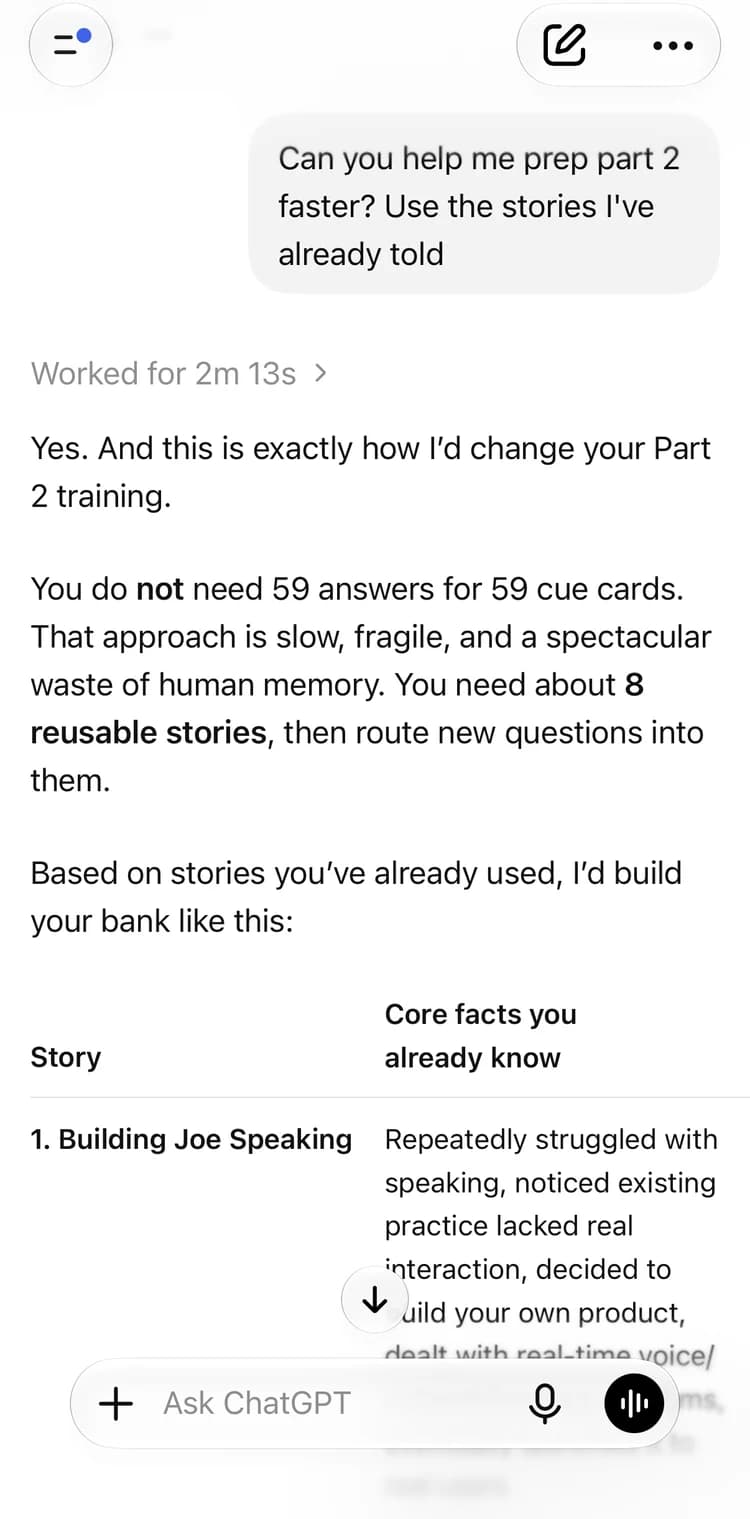
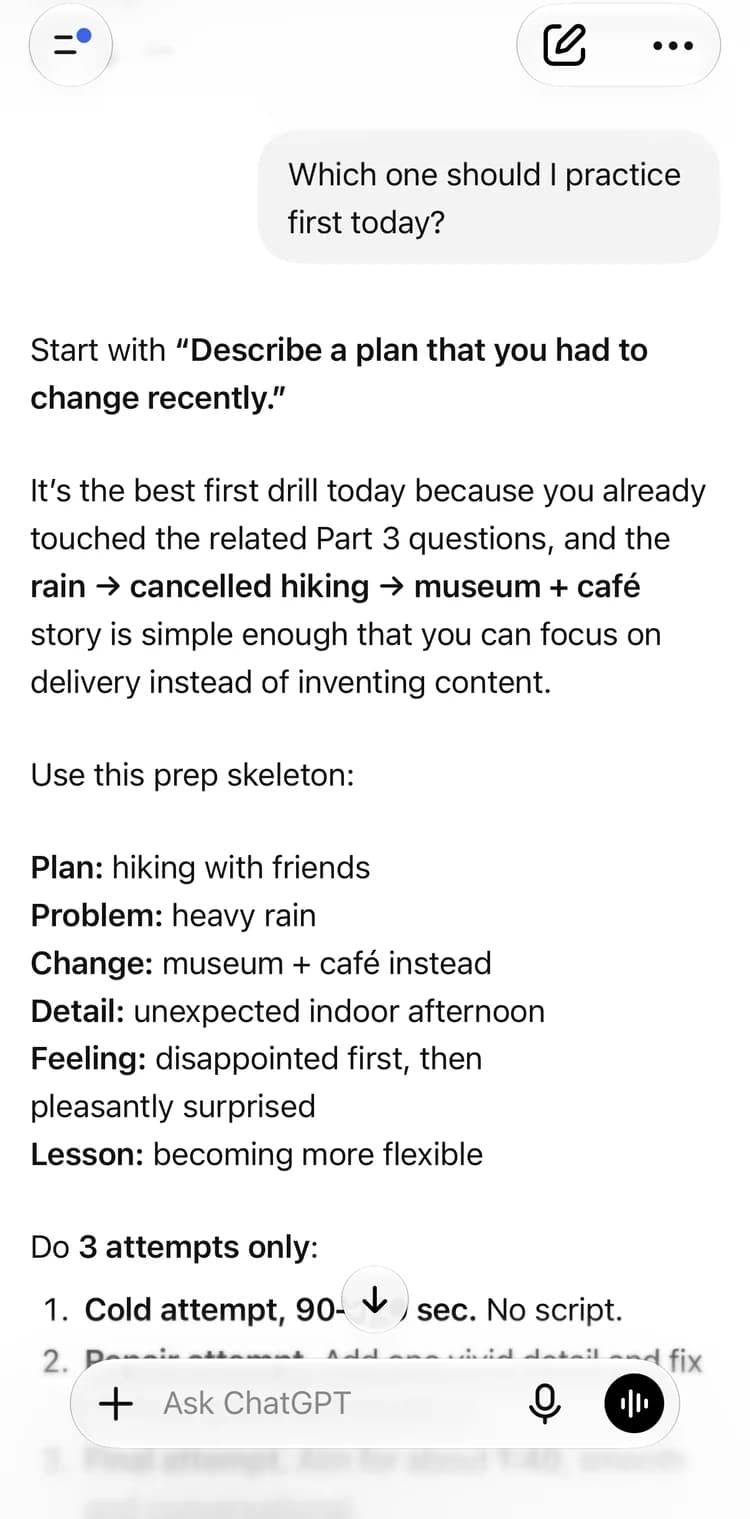
Read-only, and only yours.
This is the screen you approve before any assistant can read your practice.
Only your account
Every answer comes from the Joe Speaking account you approve, and only from practice that has synced to it.
No audio or payments
It reads saved practice details. It never receives your recordings, payment details, or credit balance.
Disconnect anytime
Remove access from Connected Apps in your settings whenever you choose.
ChatGPT wants to connect
Read-onlyLet ChatGPT read your practice?
Signed in as
you@example.com
It will be able to read
- Search the public IELTS and CELPIP question banks
- Read your cloud-synced Live Conversation history
- Read your cloud-synced Recording Practice history, including transcripts
- Read your Collection items
- Read your scores, learner feedback, and practice progress
It will never be able to
- Spend your credits or start a paid practice session
- Create, change, or delete any of your records
- See your payment details or credit balance
- Access your audio recordings
- See device, network, or diagnostic information
Pick your assistant.
The same read-only connection, wherever you like to work.
- Available
ChatGPT
Now in the ChatGPT plugin directory. Once connected, it works in ChatGPT on the web, desktop, and mobile.
Set up in ChatGPT - Available
Claude
Find it in the Claude directory on the web or desktop. Once connected, it also works in the Claude mobile app and Claude Code.
Set up in Claude - In review
Muse
Submitted to Muse and waiting for review.
- In review
Kimi
Submitted to Kimi and waiting for review.
Using another MCP client?
Add this server address. You’ll be asked to sign in to Joe Speaking and approve read-only access.
https://mcp.joespeaking.com/mcp